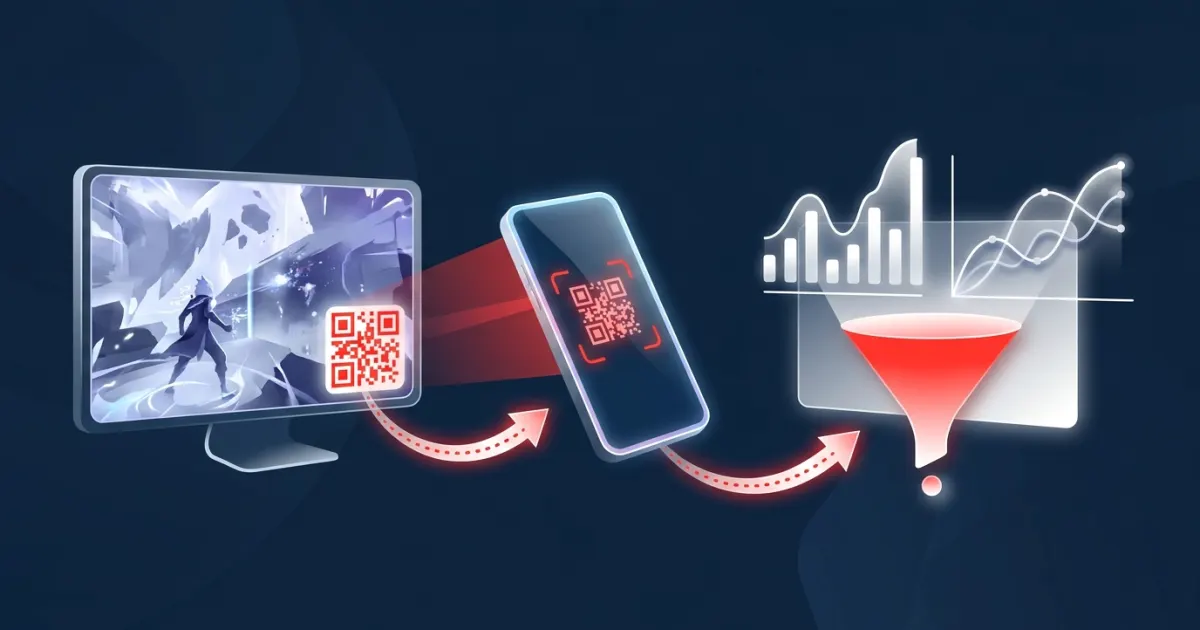
QR Codes on Live Streams: How to Make Them Scannable and Trackable
Pixels per module, contrast, quiet zone, error correction and short links: the details that decide whether viewers can actually scan the code on your stream.
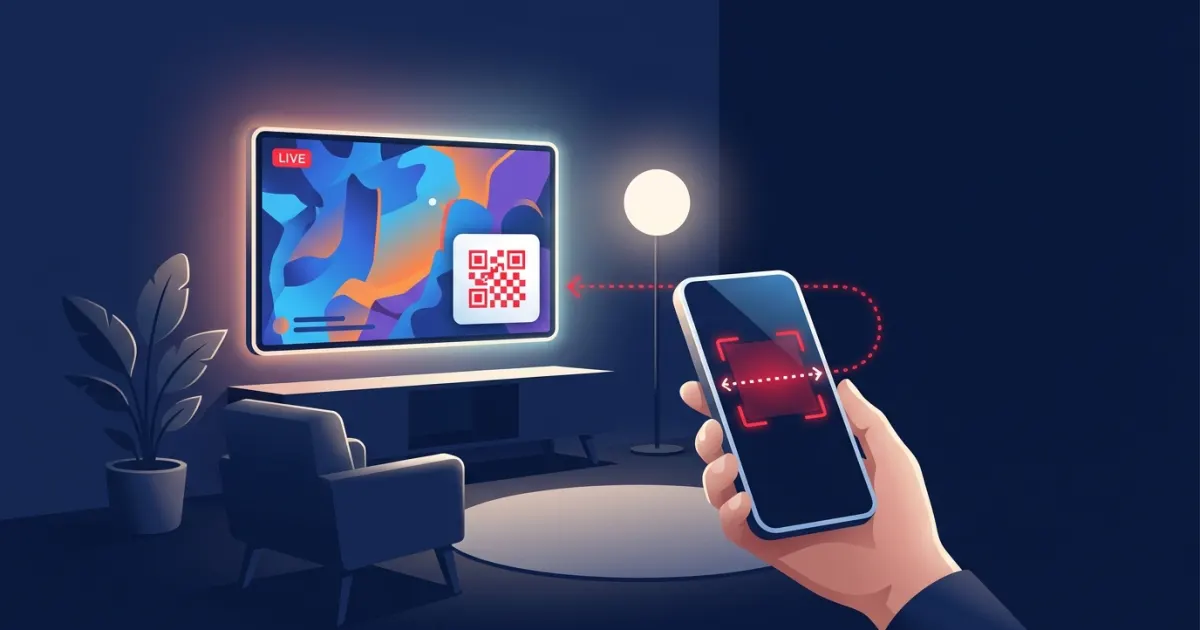
A QR code on a live stream scans reliably when each of its small squares (called modules) stays several pixels wide after the stream is scaled and compressed, when it's dark on light with an empty margin around it, and when it encodes a short link. Size it for the lowest quality your viewers are likely to watch at, keep it still and on screen long enough to scan, and test it from a real phone at a real distance before you go live.
Key takeaways
- The real constraint is pixels per module, not the code's overall size.
- Short links make bigger modules. A redirect or tracking link keeps the code simple even when the landing page URL is long.
- Use dark modules on a light background with a clear margin four modules wide, as the QR code's creator specifies.
- Viewers watching on a phone can't scan their own screen. Always pair the code with a link in chat or the description.
- Test at your output resolution, at lower playback quality, and from across the room.
Why QR codes are harder on a stream than on paper
A printed code is sharp, sits still, and gets scanned from close up. A code on a stream goes through a lot before it reaches a phone camera:
- It's drawn into a video frame, then scaled to the stream's output resolution.
- It's compressed in real time, which softens fine detail.
- The viewer may be watching at a lower quality than you streamed.
- It's on a screen, often across a room, and the viewer has to notice it, grab their phone and open the camera before it disappears.
- Some viewers are watching on the phone they'd scan with.
None of this makes QR codes a bad fit for streams. It just means the code has to be designed for video, not lifted from a print file.
QR code basics in 60 seconds
The QR code was released by Denso Wave in 1994, according to the company's own history page, and it's standardized internationally as ISO/IEC 18004. Four terms explain almost every scanning problem:
| Term | What it means | Why it matters on a stream |
|---|---|---|
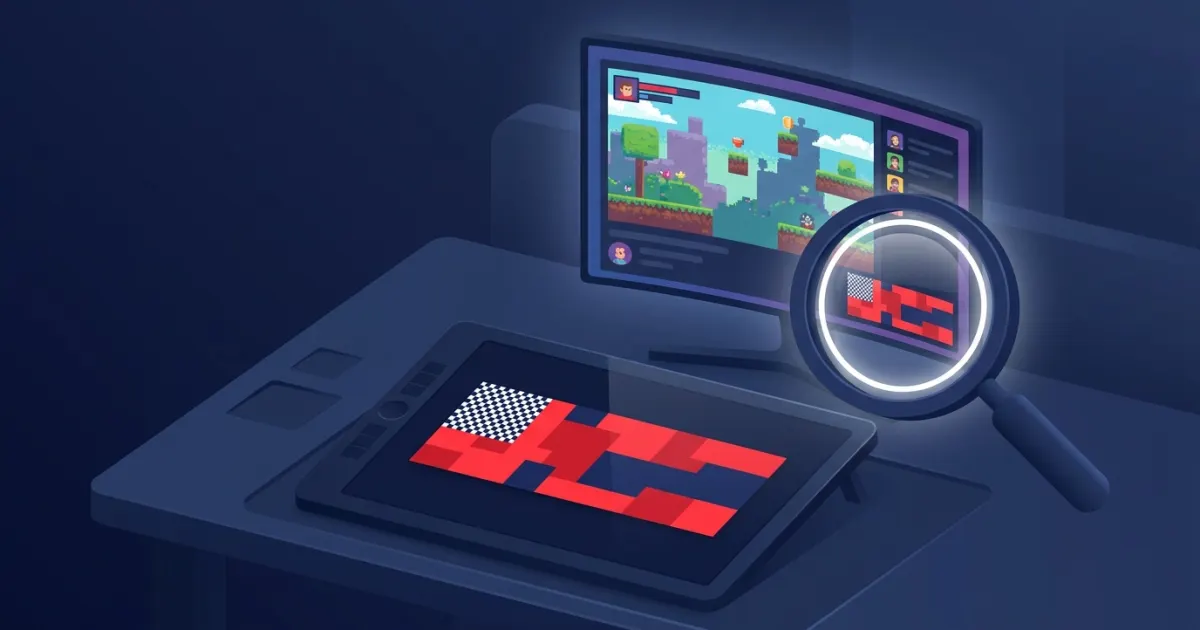
| Module | One black or white square in the grid | Must stay several pixels wide after scaling and compression |
| Version | Grid size, from 21 × 21 modules (version 1) to 177 × 177 (version 40), adding 4 modules per side per version (Denso Wave) | More data means a bigger grid, so smaller modules at the same size |
| Quiet zone | The empty margin around the code: "a four-module wide margin at all sides" (Denso Wave) | Needs a solid panel, because the gameplay behind the overlay keeps changing |
| Error correction | Level L, M, Q or H restores approx. 7%, 15%, 25% or 30% of codewords (Denso Wave) | Higher levels survive more damage but add modules |
How big should a QR code be on stream?
Think in pixels per module. Here's a worked example. We generated two codes with a standard QR encoder at error correction level M:
- A 29-character short link produced a 29 × 29-module code (version 3). With the 4-module quiet zone on each side, it's 37 modules wide.
- A 135-character URL full of tracking parameters produced a 49 × 49-module code (version 8), or 57 modules wide with the quiet zone.
Now draw each one as a 120-pixel tile (code plus margin) on a 1920 × 1080 canvas and see what each module gets as viewers lower the quality:
| Viewer's playback quality | Short link (37 modules wide) | Long URL (57 modules wide) |
|---|---|---|
| 1080p | about 3.2 px per module | about 2.1 px per module |
| 720p | about 2.2 px | about 1.4 px |
| 480p | about 1.4 px | about 0.9 px |
Example calculations. Doubling the tile to 240 pixels doubles every number.
As a module shrinks toward a single pixel, scaling and compression blend neighboring squares together and the pattern stops being reliable. That gives you two levers: make the code bigger, or put less data in it. Usually you should pull both. Decide the lowest quality you want to support, and size the code so modules stay comfortably above one pixel there.
Contrast and color: keep it black on white
Denso Wave's FAQ puts it simply: "Basically, please print out your QR Codes with black on a white background." Their advice is written for print, but the logic carries over to screens. Scanners look for strong dark/light differences, so:
- Use dark modules on a light background. Avoid inverted (light-on-dark) codes, pale brand colors and gradients across the code.
- Put the code on a solid white or very light tile, never directly over gameplay or a photo.
- Skip colored codes for video. Streams sent from OBS use 4:2:0 chroma subsampling (a widely used OBS forum guide notes that "for streaming, OBS Studio always forces subsampling 4:2:0"), which keeps color at lower resolution than brightness. Black and white survives that best.
The quiet zone is part of your design
Because the margin must be four modules wide on every side, a 29-module code needs a light tile 37 modules wide. On paper, the white page often provides that for free. On a stream, the background behind the overlay is a moving game, so the margin has to be built into the graphic. Don't let borders, text or artwork crowd right up against the code.
Choosing an error correction level
Denso Wave explains that error correction lets a code "restore data if the code is dirty or damaged," but that raising the level "also increases the amount of data QR Code size." Their guidance notes that level M is the most frequently selected, Q or H suit environments where codes get dirty, and L suits clean environments with lots of data.
On a stream, the "dirt" is compression blur and scaling. Practical guidance:
- With a short link, a higher level costs little. In our example, the 29-character link grew only from 29 to 33 modules across at level H.
- With a long URL, every step up makes a dense code denser. The 135-character URL grew from 49 to 61 modules at level H. Shorten the link first.
- If you place a logo over the code, you're deliberately damaging it and relying on error correction. Use a high level and test carefully.
Short links win, and they make tracking possible
Since more data means more modules, the single best way to get bigger modules is a shorter link. A redirect link (a short URL that forwards to your real page) gives you three benefits at once:
- The code stays small and simple, however long your landing page URL is.
- Each scan can be counted at the redirect.
- Your destination can carry UTM tags without making the code denser. See how to track live stream ad results.
Be transparent about where the code goes. The FTC advises consumers who see a QR code in an unexpected place to inspect the URL before opening it and to watch for misspellings or switched letters. A recognizable domain and a clear promise next to the code ("Scan for the free demo") help cautious viewers say yes.
Placement and timing
- Keep it still. No animation, rotation or sliding in and out.
- Keep it in one predictable spot, away from busy HUD elements and the very bottom edge, where player controls and captions can cover it.
- Give people time. Noticing the code, grabbing a phone and opening the camera takes a while. A code that flashes up for a few seconds is easy to miss.
- Say it out loud. A quick verbal mention from the streamer ("the code in the corner gets you the demo") turns a graphic into a call to action.
Don't forget viewers watching on phones
A viewer watching on their phone can't point that phone's camera at its own screen. Give them another route to the same destination: a link in chat, a channel panel or the stream description. Tag that link separately (for example with a different utm_content value) so you can tell scans from taps.
Test before you go live
- Make a short test recording at your normal output resolution and play it back full screen.
- Scan it from your normal seat with an iPhone and an Android phone. Apple's support page covers scanning with the Camera app or the Code Scanner in Control Center. Google notes that Android's built-in camera can scan QR codes on Android 9 or higher.
- Follow Google's troubleshooting tips for codes shown on a screen: make sure the screen is bright enough, keep the phone upright rather than tilted, and start close, then slowly move back.
- Watch the test (or your live stream) at 720p and 480p on another device and scan again.
- Scan from across the room, the way a viewer watching on a TV would.
- Check the destination: it loads quickly on mobile, shows what the banner promised, and keeps your tracking tags intact.
How AD on Live handles QR codes
On AD on Live, QR codes are built into the streamer's overlay:
- When no ad is running, the overlay shows a QR code that opens the streamer's booking page, plus the price per minute ("AD Here — $X/min"), so viewers and brands can book the next slot.
- While an ad runs, the overlay shows the advertiser's banner with a QR code, a countdown and a small "Ad" label. The code points to a short tracking link (
adonlive.com/r/{code}) that counts scans and clicks, then redirects to the advertiser's URL (or to the streamer's booking page if no URL was given). The link keeps redirecting and counting after the ad ends, so scans from VODs and clips still work. - Because the code only holds that short link, advertisers can use a long, UTM-tagged destination URL without making the code denser.
- Advertisers receive a completion summary email with the click count. AD on Live counts scans and clicks; it does not measure impressions or viewer counts.
Streamers control how big the overlay appears in their broadcasting software. Scaling it up makes the code easier to scan; see how to set up the overlay in OBS. Advertisers can help by keeping the left side of the banner clean; see how to design a banner ad that works on a live stream.
QR-on-stream checklist
- Short link or redirect, not a long raw URL.
- Several pixels per module at the lowest quality you support.
- Black on a solid white tile, with a four-module quiet zone.
- Error correction chosen with the link length in mind; extra margin if a logo covers the code.
- Still, predictable placement, on screen long enough, mentioned out loud.
- A matching link in chat or the description for phone viewers.
- Tested on iPhone and Android, at lower playback quality, and from across the room.
Make every scan count
A scannable code is mostly arithmetic: short data, big modules, high contrast, clean margins. Get those right and a QR code becomes the simplest bridge from a stream to a phone. For the bigger picture, read why QR codes became a standard bridge from screen to phone.
Advertisers: book a QR-tracked banner slot on a live stream. Streamers: join free and let viewers book your next slot straight from your overlay's QR code.
Frequently asked questions
How big should a QR code be on a live stream?
Big enough that each module (the small squares) stays several pixels wide at the lowest quality your viewers watch. For example, a 120-pixel code for a short link has about 3 pixels per module at 1080p but under 1.5 pixels at 480p, so bigger codes and shorter links scan more reliably.
What is a QR code quiet zone?
It is the empty margin around the code that helps scanners find it. Denso Wave, which created the QR code, specifies a margin four modules wide on all sides. On a stream, that margin should be part of a solid light panel, not gameplay.
Which QR code error correction level should I use for video?
QR codes offer four levels, L, M, Q and H, which can restore roughly 7%, 15%, 25% and 30% of the data. Higher levels make the code denser, so keep the link short, and if something like a logo covers part of the code, use a higher level and test it.
Can viewers scan a QR code on a stream they are watching on their phone?
Not with that phone's own camera. Give phone viewers the same destination as a link in chat or the stream description, ideally tagged separately so you can tell scans and taps apart.
Why should a QR code use a short link or redirect?
Less data means fewer modules, so each module can be larger on screen and easier to scan. A redirect link also lets you count scans and keep long tracking parameters out of the code itself.
Sources
- qrcode.com/en/history/
- qrcode.com/en/about/standards.html
- qrcode.com/en/about/version.html
- qrcode.com/en/howto/code.html
- qrcode.com/en/about/error_correction.html
- qrcode.com/en/faq.html
- obsproject.com/forum/resources/obs-studio-color-space-color-format-color-range-settings-gu...
- consumer.ftc.gov/consumer-alerts/2023/12/scammers-hide-harmful-links-qr-codes-steal-your-i...
- support.apple.com/en-us/102680
- support.google.com/accounts/answer/9283368?hl=en&co=GENIE.Platform%3DAndroid
Sell sponsor slots on your stream
Create a free channel, add one OBS browser source and approve the ads you like.
Start earning — it's free