For advertisers
Pay-Per-Minute Ads: How Time-Based Ad Slots Work on Live Streams
Pay-per-minute advertising explained: how time-based ad slots on live streams compare with CPM, CPC and flat-fee sponsorships, with example...
Book a sponsor slot on a creator's stream by the minute. Your banner shows with a scannable QR code, and PayPal only holds the payment until the streamer approves your ad.
A sponsor banner sits inside the video next to the creator, the game and the chat — not in a skippable break.
The banner is composited into the stream itself, so everyone watching sees it on every device — and it stays in VODs and clips the creator keeps.
Viewers scan the QR code with their phone camera and land on your page, while they keep watching.
Start with a few minutes on one channel, see the scans, then scale what works. No packages or retainers.
Checkout is a PayPal authorization. You're charged only when the creator approves; otherwise the hold is released.
Every ad is reviewed by the streamer, which means your brand appears where the creator is happy to have it.
Each scan passes through a short tracking link. You get a click summary by email, and UTM tags work as usual.
Open a streamer's booking page from their on-stream QR code, a link they shared, or the channels directory.
Your email for updates, an optional destination URL (add UTM tags) and 1–60 minutes.
JPG, PNG or GIF up to 2 MB. Crop to the streamer's aspect ratio; it's resized to their exact pixel size.
The amount is held, not charged. Once the streamer approves, your ad goes on air and the payment is captured.
QR scans and clicks through your tracking link, plus anything your own analytics records via UTM parameters. AD on Live does not report impressions or viewer counts — judge a slot by the visits and sales it drives.
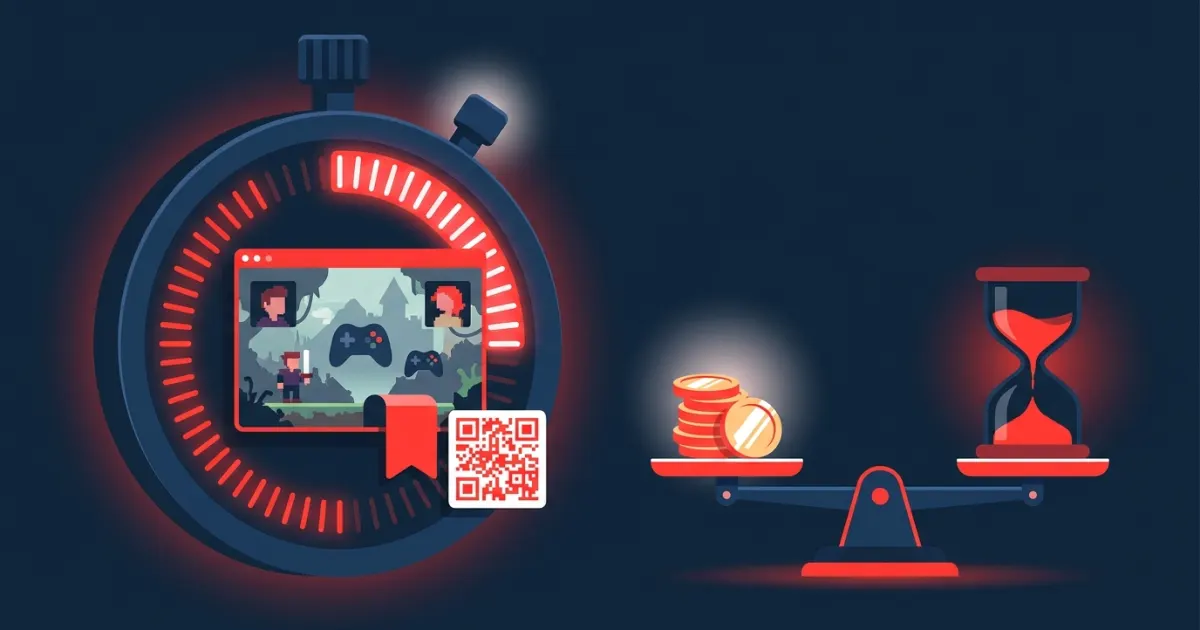
Pay-per-minute advertising explained: how time-based ad slots on live streams compare with CPM, CPC and flat-fee sponsorships, with example...
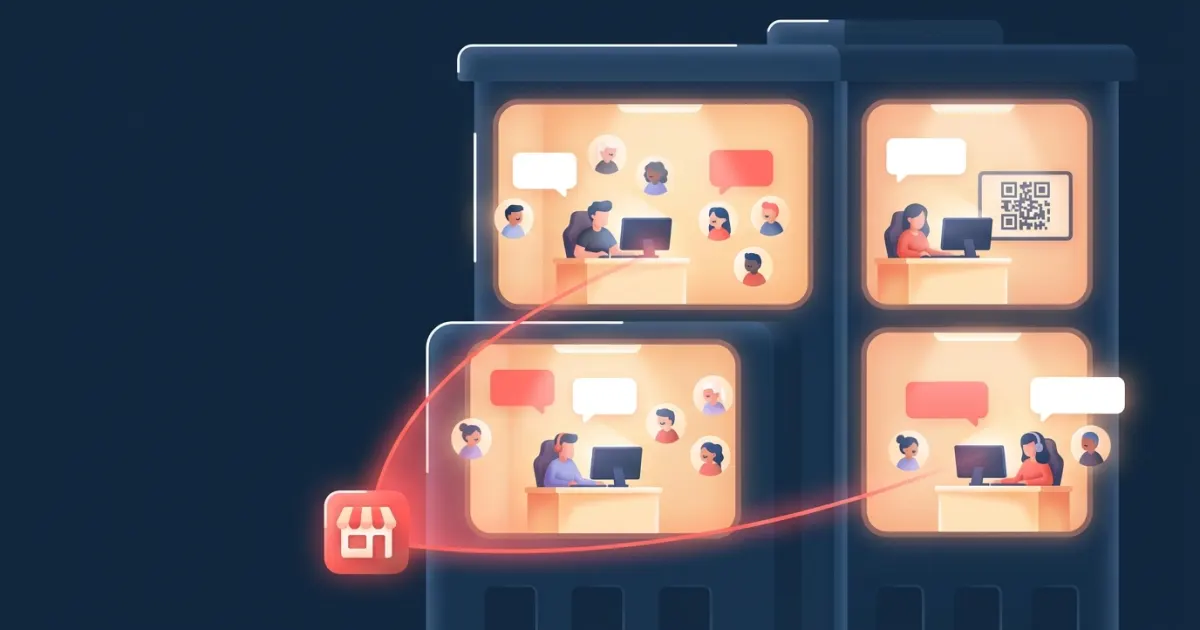
Why micro-streamers are an underrated brand awareness channel: community, trust, niche audiences and low cost, plus the risks and how to tes...
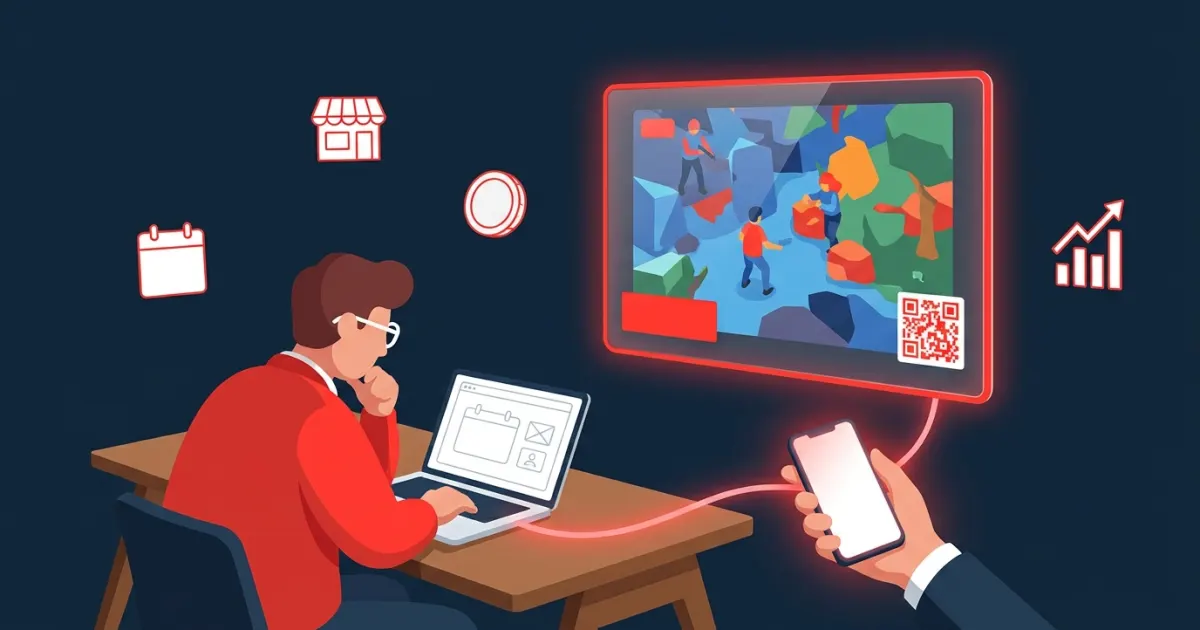
Live stream advertising for small businesses: compare platform ads, sponsorships and overlay ad slots, choose streamers, set a budget and tr...
No. On the streamer's booking page you enter your email, an optional destination URL and the number of minutes, upload your banner and pay with PayPal. Updates about your ad are sent to that email.
At checkout PayPal only authorizes (holds) the amount. The payment is captured when the streamer approves the ad. If the streamer rejects it, or does not approve it within 3 days, the authorization is voided and you are not charged.
You can book from 1 to 60 minutes per booking. The price is the streamer's per-minute rate multiplied by the minutes you choose.
JPG, PNG or GIF images up to 2 MB. You crop the image to the streamer's aspect ratio during checkout, and it is resized to the streamer's exact pixel size. The QR code sits on the left side of the banner, so keep important text and logos away from that area.
The QR code on your banner goes through a short tracking link that counts scans and clicks before sending people to your URL, and you receive a summary by email when the ad ends. Add UTM parameters to your URL to see visits and conversions in your own analytics. AD on Live does not report impressions or viewer counts.
Lawful products and services that suit the streamer's audience and the platform's rules. Streamers review every ad and can reject anything that does not fit their channel. See the Terms for the full rules.
Scan the QR code shown on an AD on Live streamer's broadcast, use a booking link a creator shares with you, or browse the channels directory. Each booking page shows the price per minute, the banner size and whether the streamer is on air.
Tell us your product, audience and budget, and we'll point you to streamers who fit.